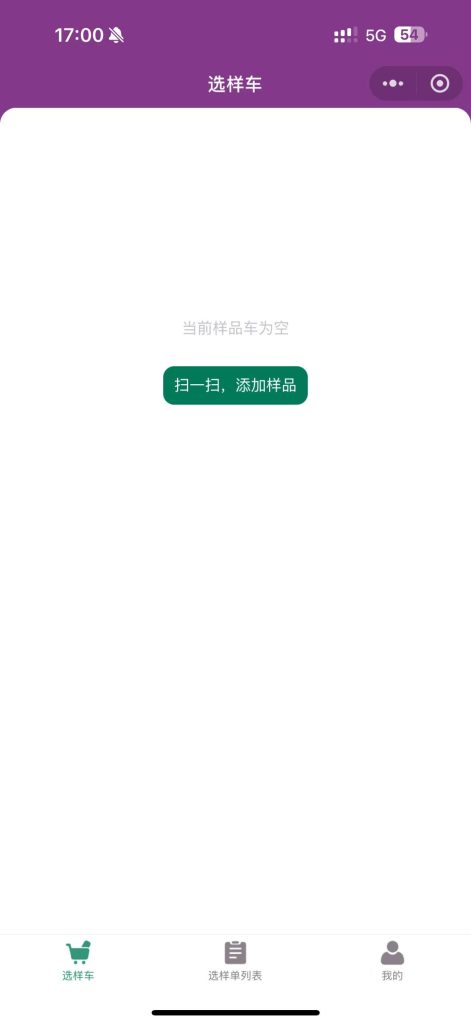
Quick Sample Selection
Overview
With Jenny Software, the fabric hanging cards in your Sample Library include a QR code or barcode generated automatically by the software. This gives customers a convenient way to select samples themselves—or have selections made on their behalf—when visiting the Sample Library or a trade show.
As shown below, Jenny Software generates labels with QR codes that anyone can scan with WeChat:
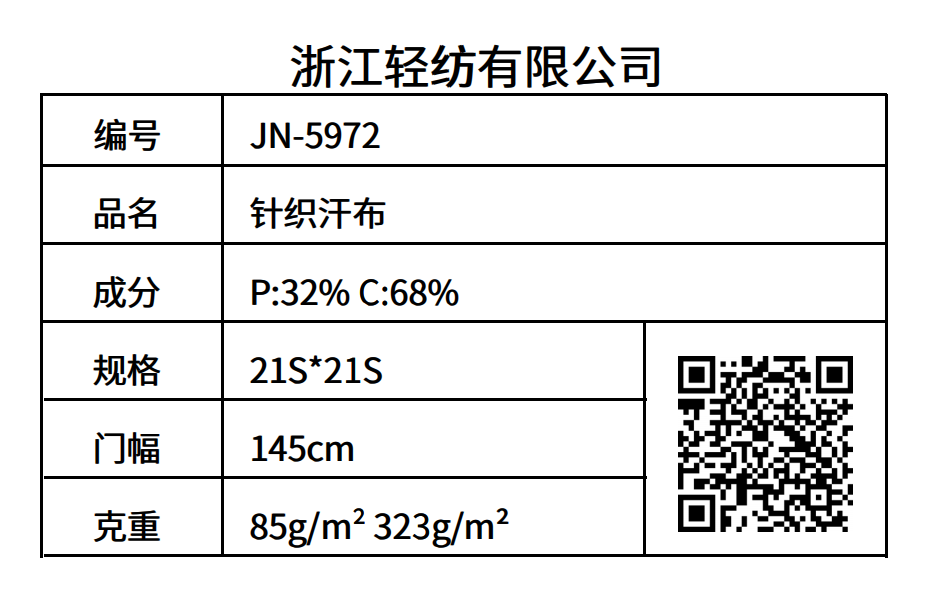
Scan to View Product Information
Labels generated by Jenny Software carry a QR code that anyone can scan with WeChat. After scanning at a trade show booth (such as Shanghai Intertextile), a customer can see the specific product information and related images. The displayed content is configurable in the back office; by default it includes code, name, composition, width, and weight (gsm).
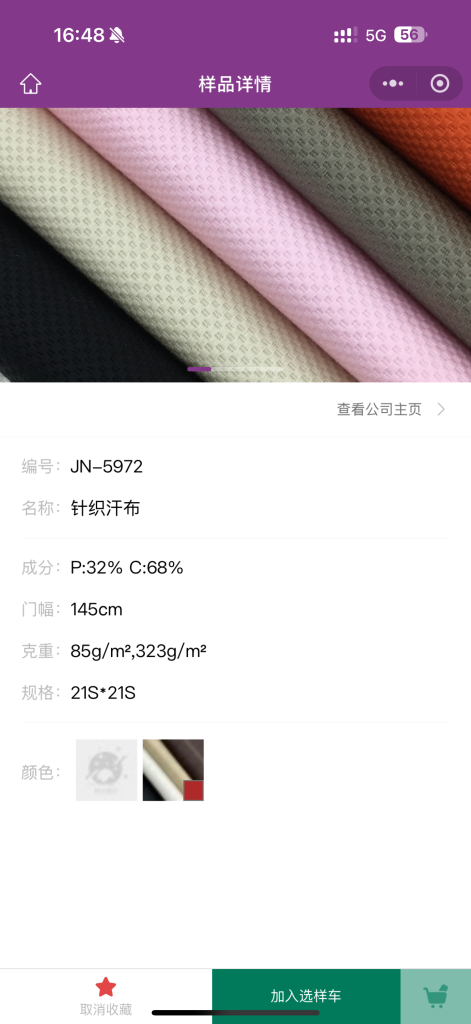
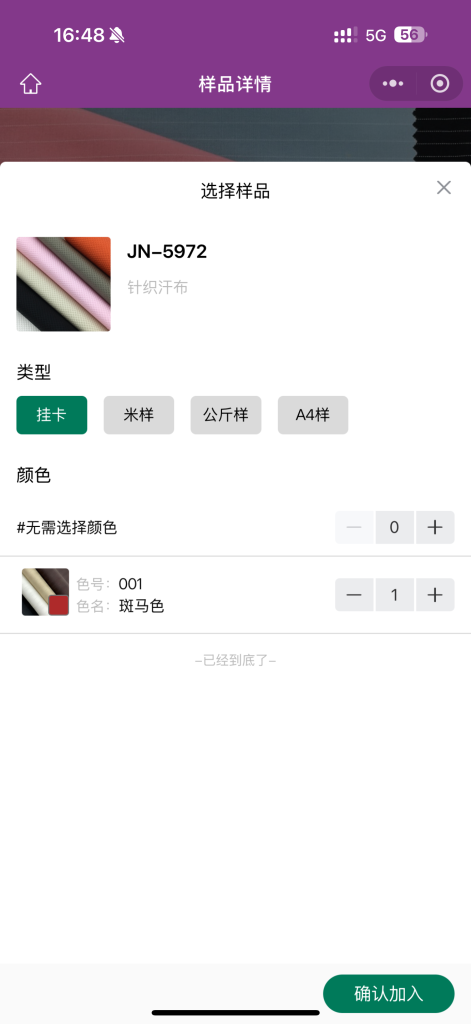
Selection Basket
When a customer clicks the "Add to Selection Basket" button, they can choose:
- The color they need (or no color needed)
- The type
- The quantity (multiple selections supported)
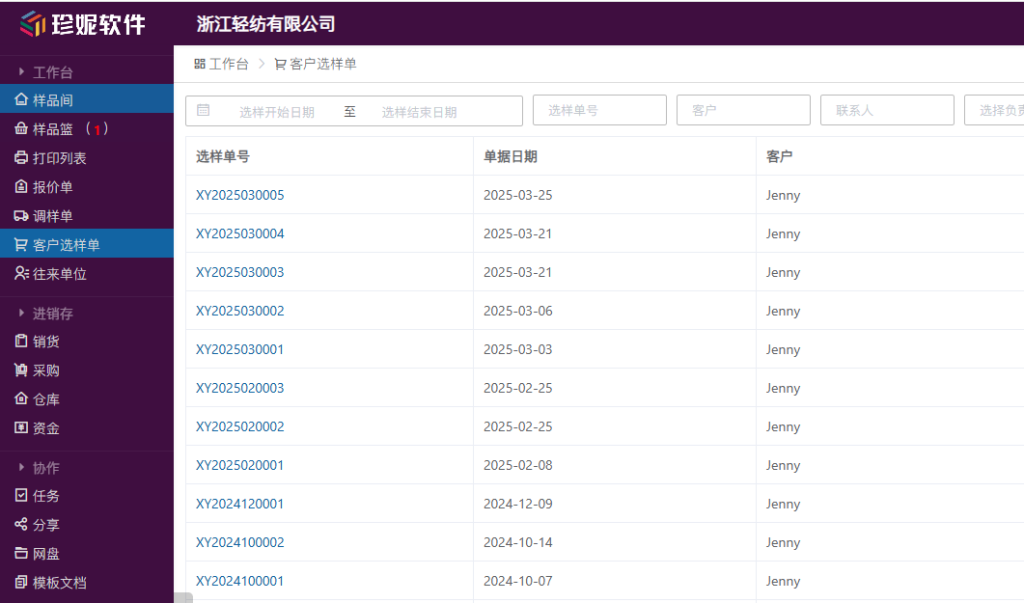
After submission, the "Customer Selection Order" feature in Jenny Software displays the customer's selection order, so back-office order handlers can prepare the samples to send—improving efficiency and reducing errors and omissions.
Quick Selection Mode
Since customers have already seen the key information on the label, touched the fabric, and observed the actual color on site, quick selection skips the detailed information display.
How it works:
- Click the green button in the middle of the home page
- Point your phone's camera at the QR code on the fabric hanging card label
- Quickly add the sample to the selection basket
High-efficiency mode: when your phone focuses fast enough, you can scan continuously and add multiple samples to the selection basket in one go.